gui_Tech_Setup
Configuration (gpdk045)
This example is based on the gpdk045 technology file.
Note
The PTAP setting in FEOL is for illustrative purposes only. The actual layer configuration may differ from what is shown in this example.
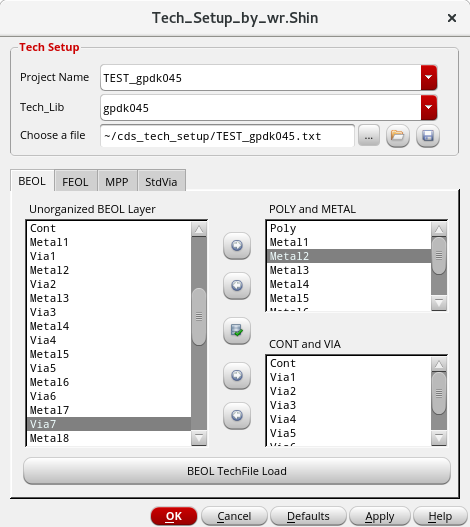
BEOL View
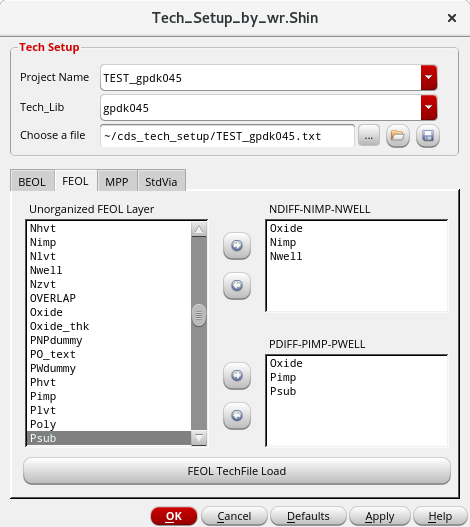
FEOL View
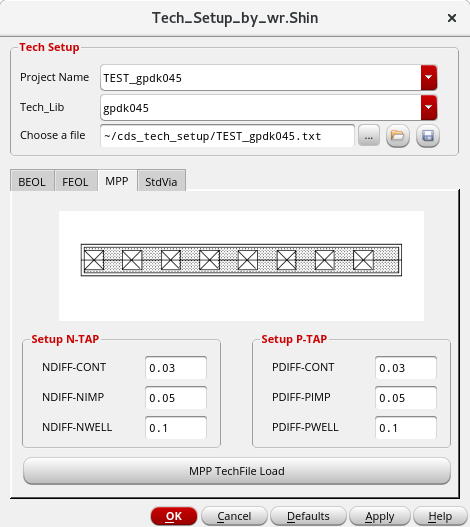
MPP View
Standard Via View
Case 1: MPP
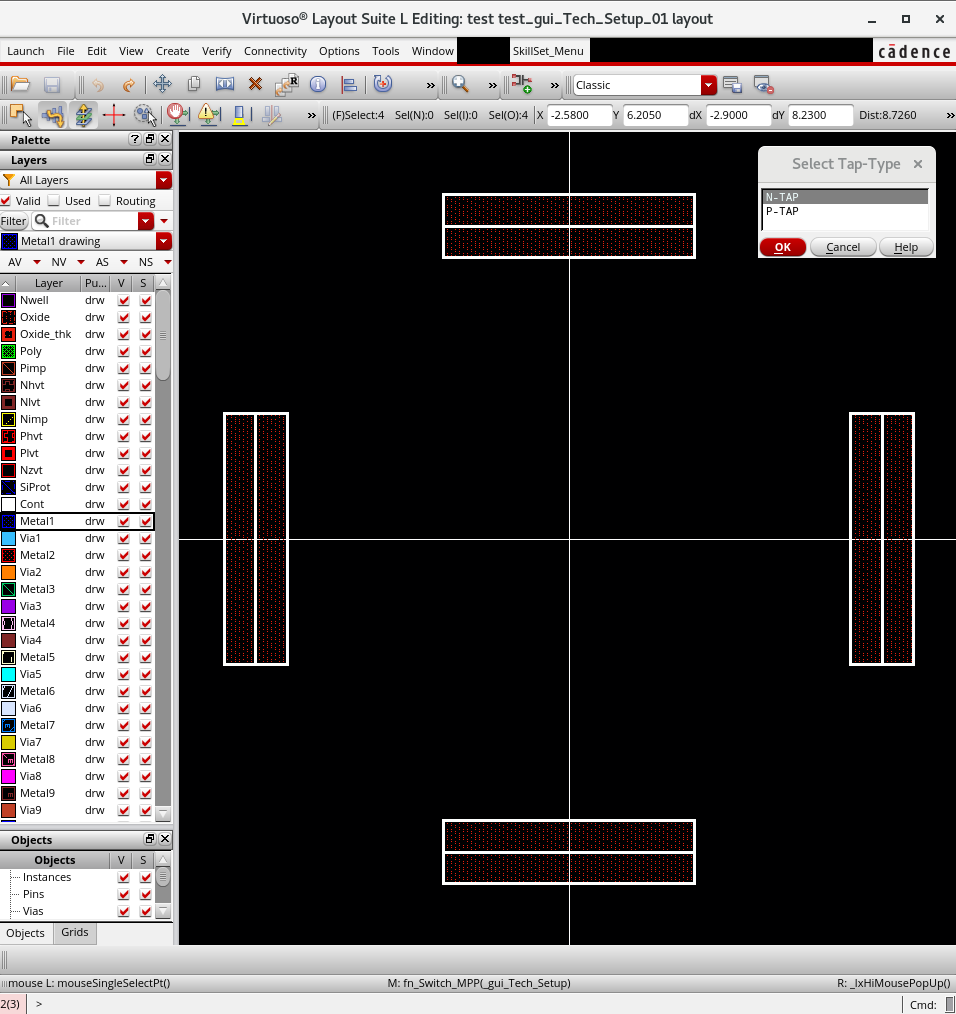
Before: Pressing Ctrl + Shift + Space
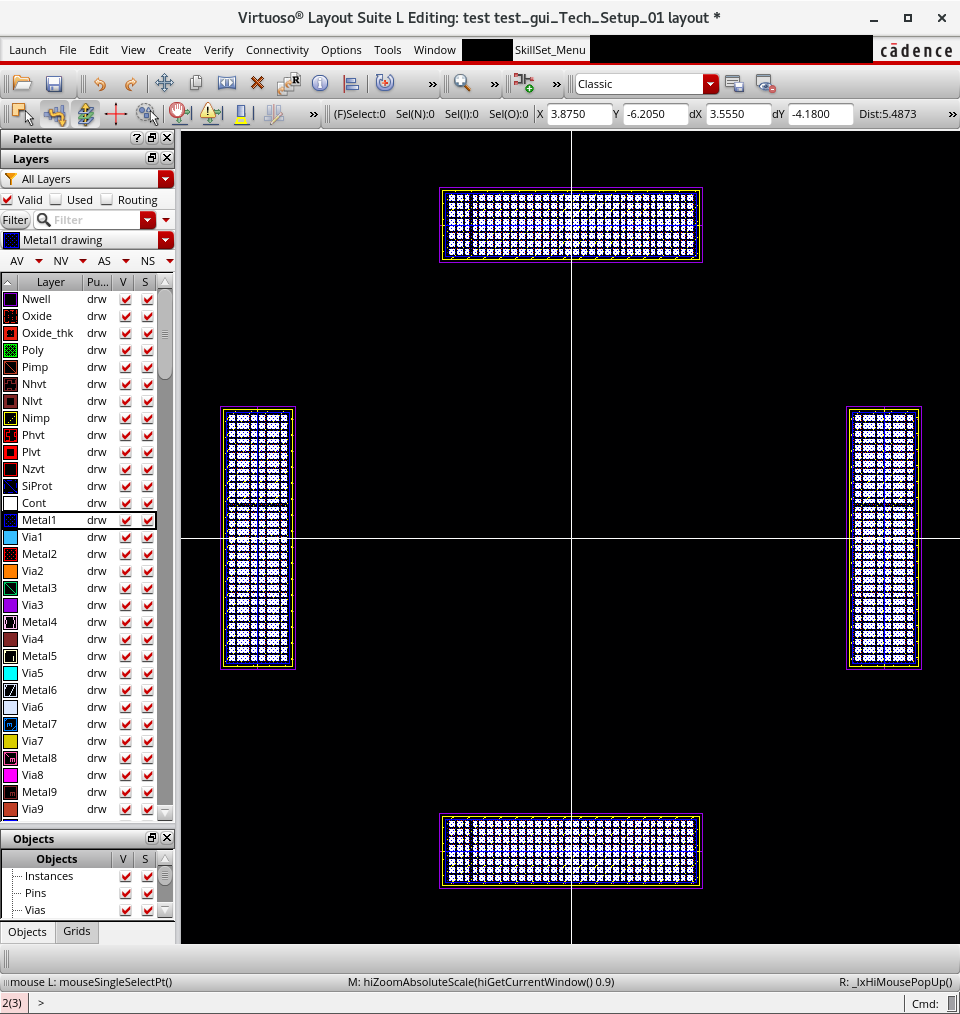
After: Pressing Ctrl + Shift + Space
Case 2: Extension of 1-Pair Path
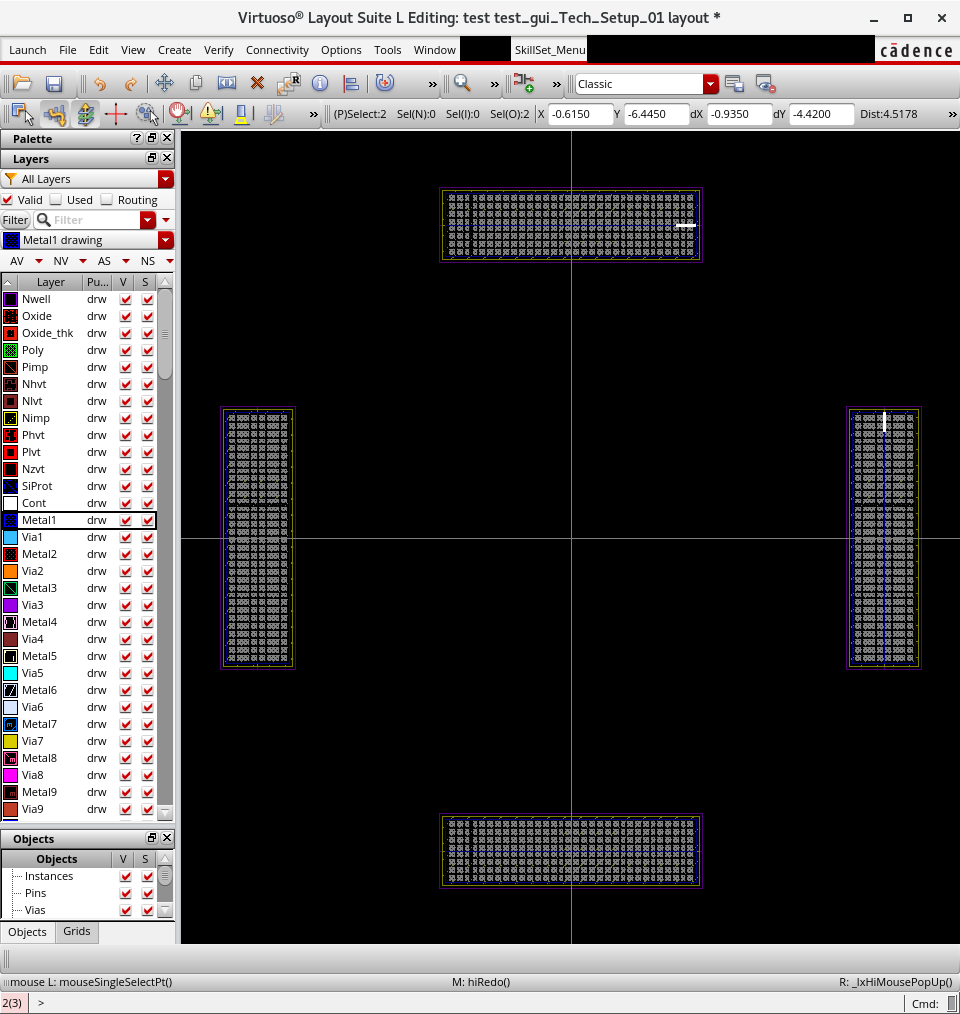
Before: Pressing Alt + Space
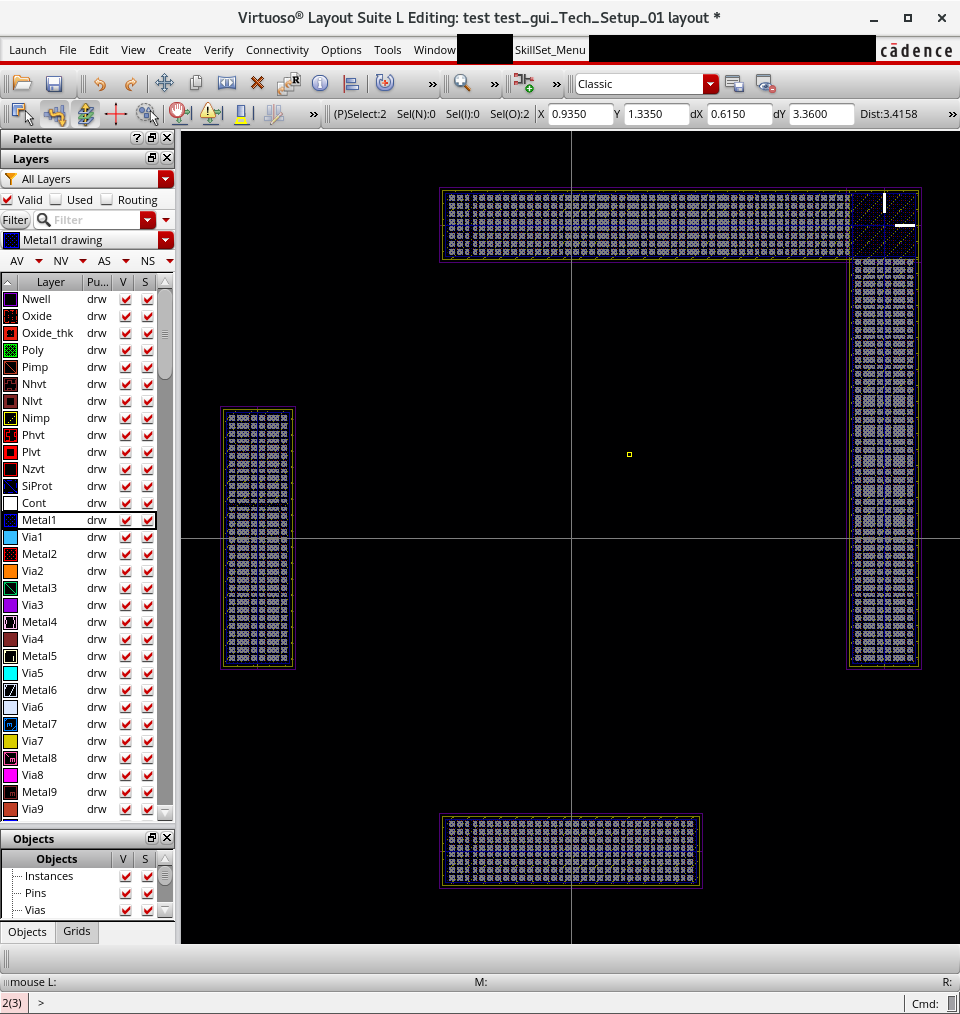
After: Pressing Alt + Space
Case 3: Comparison of Extension Paths (1-Pair vs Over 2-Pair)
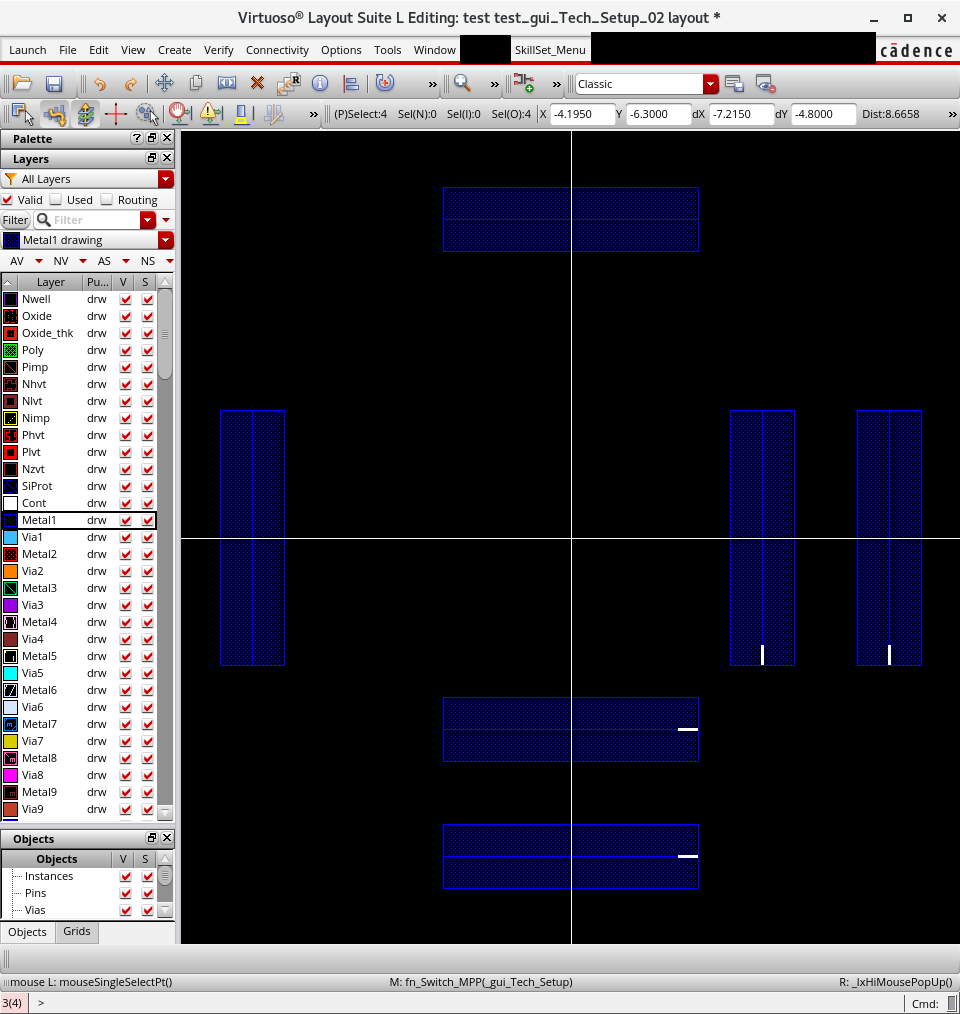
Before: Pressing Alt + Space (Over 2-Pair Path)
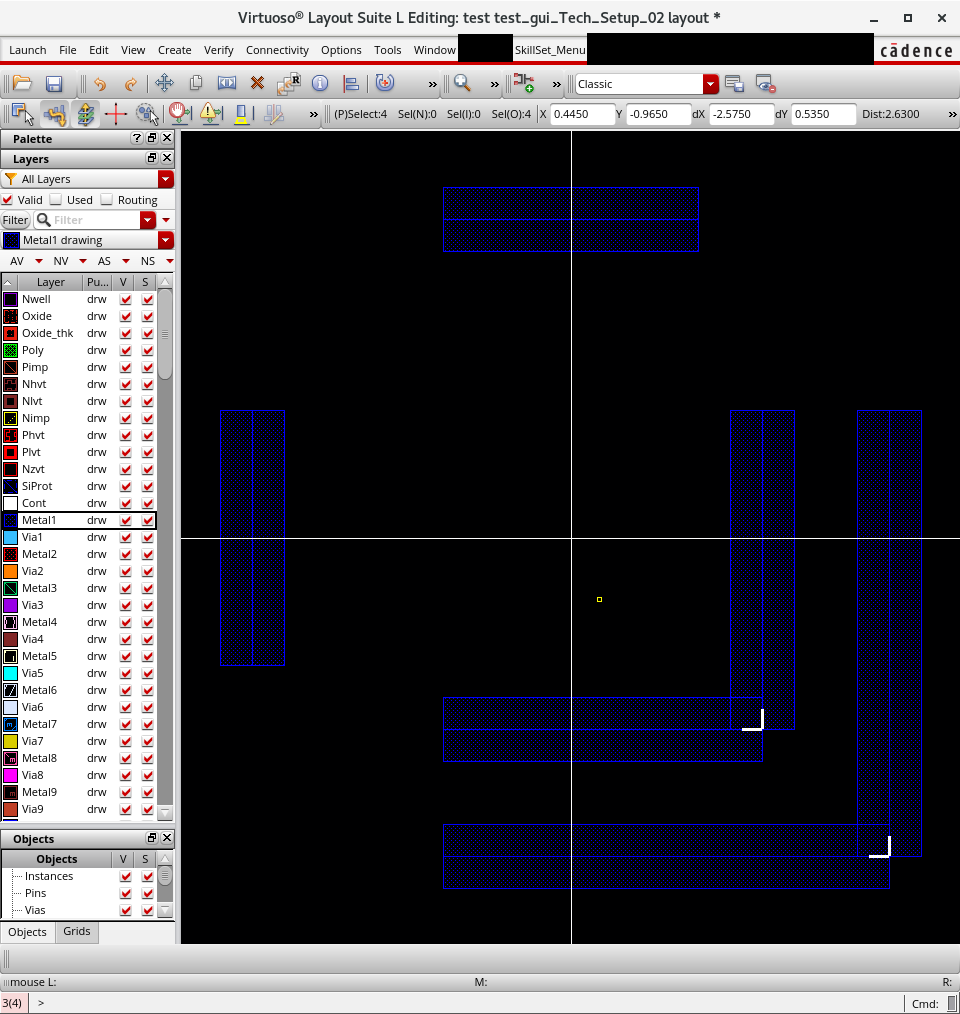
After: Pressing Alt + Space (Over 2-Pair Path)
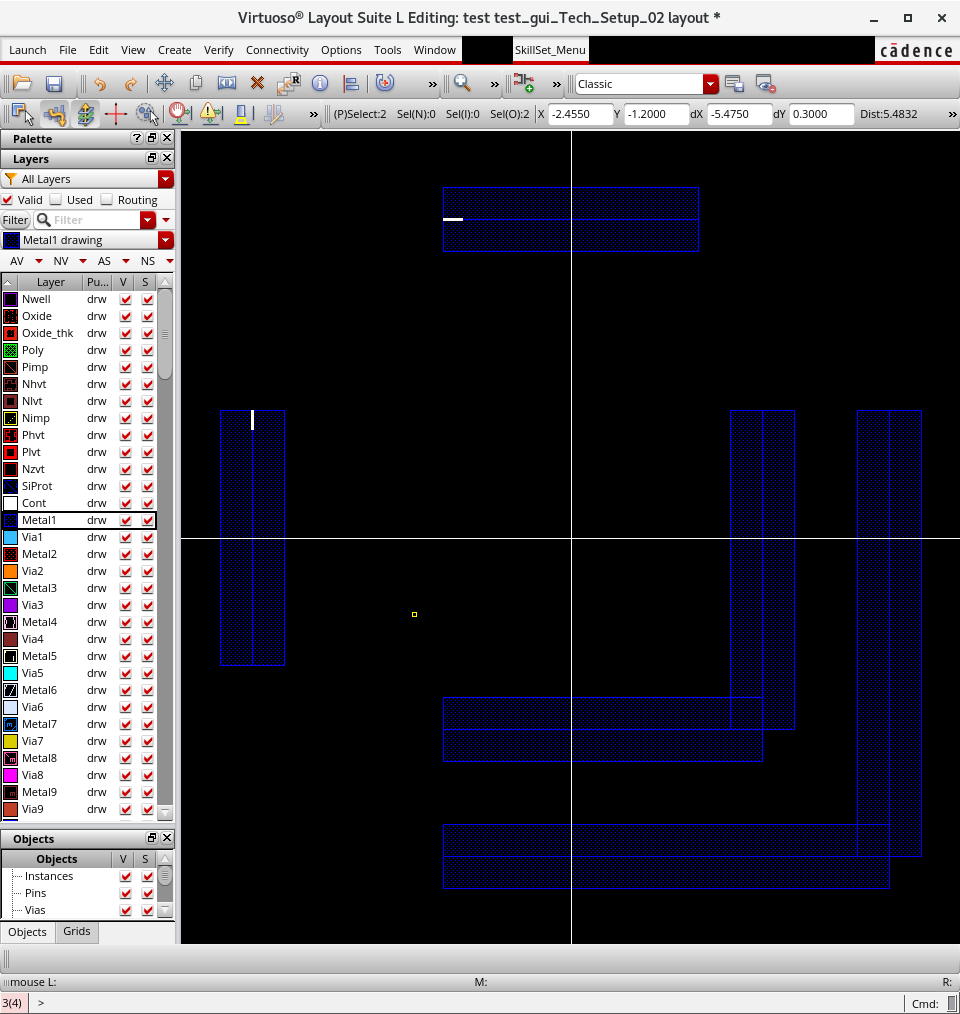
Before: Pressing Alt + Space (1-Pair Path)
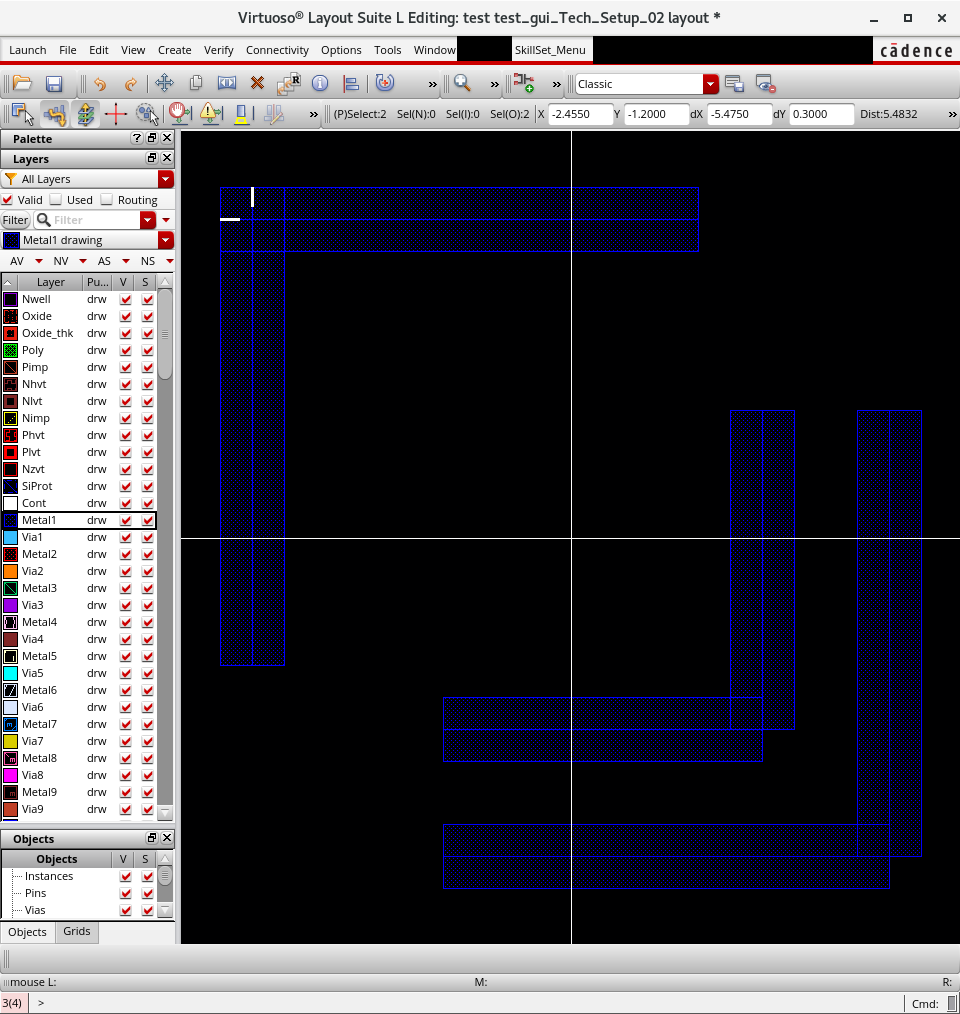
After: Pressing Alt + Space (1-Pair Path)